Share with confidence
Give your audience a structure they’ll hold on to.
There’s a Gap
Current tools provide storage, but they lack containment.
- The Workaround Burden: Building folder systems or web pages from scratch steals time from the work that actually matters.
- The Folder Trap: A time-sink in disguise. Folders make sense to the creator but leave the audience hunting for resources and asking for help.
- The Knowledge Loss: When a key person transitions, the logic goes with them – forcing your team and your audience to start the cycle over.
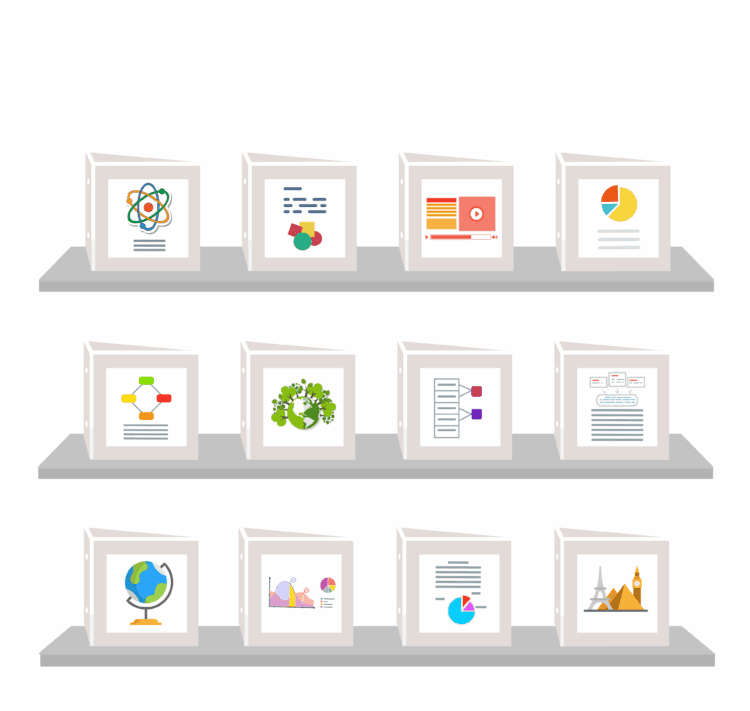
We designed the digital binder to bridge this gap: a structural container built to package content for your audience.
Here's what a binder can do.
Tabs that make navigation obvious
Your audience sees exactly what's available and the path to get there. No deep folders, no confusion.
Context that travels with your content.
Every tab can carry your voice — a note, an instruction, a specific insight. The guidance your audience would normally get in a meeting is already there when they open the binder.
One place people know to go
Update your content anytime. The link you already shared is fixed and always shows your latest updates - no need to republish or resend.
You control it. They can't break it.
Link to videos, media or to confidential documents from exactly where they live or upload general resources directly for a smoother experience. Your audience can't overwrite, duplicate, or accidentally delete your work.
Debbie Merkwan
|Program Secretary for South Central Child Development (Head Start)
Choose how you want to use LiveBinders
Organize and share your own resources - Best for individuals getting started
For personal or ongoing resource organization - Ideal for power users and growing libraries
Share and manage resources with admin control - Built for organizations and collaboration