Convert Paper-Based Handbooks to Virtual Binders
All the benefits of going virtual without the confusion.
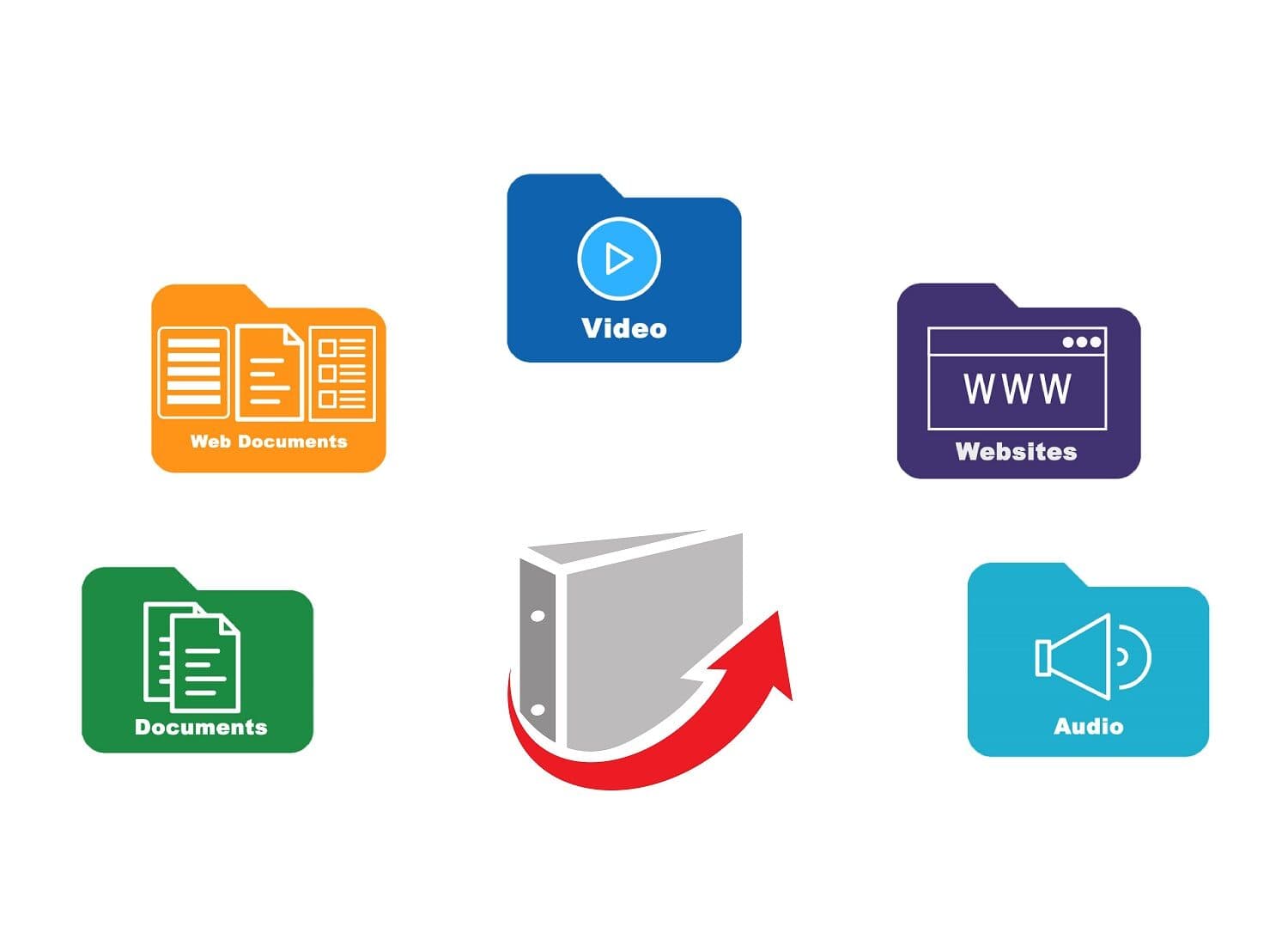
Digital Folders Have Their Challenges
- A shared drive might start out neat and orderly, but it often becomes cluttered over time.
- It can be either too easy to edit—or too restrictive to share with groups.
- Everyone uses different naming conventions, making consistency difficult.
- Nesting folders doesn’t always make it easier to quickly find what you need.
Why Online Binders Work
Intuitive Organization
Everyone is familiar with how binder tabs organize content. Your files and website URLs are organized in rows of tabs and sub tabs in your binders.
You Stay in Control
Your viewers can't change the order of the tabs or compromise the content you place in your binders.
Everyone Sees the Same Thing
The fixed structure of the binder gives everyone the same consistent access to material knowing everything is in its proper place.
Build Confidence
Your stakeholders can consistently and quickly find what they need.

“LiveBinders was conceptually easy for people to grasp–you can think of it like a physical binder that you put on the internet and use it basically the same way.”
S.U.P.E.R. TEAM
|Marcia Brandt, Katie Hauser, Mary Jo Matousek, Mindy Perry, Rachele Esola
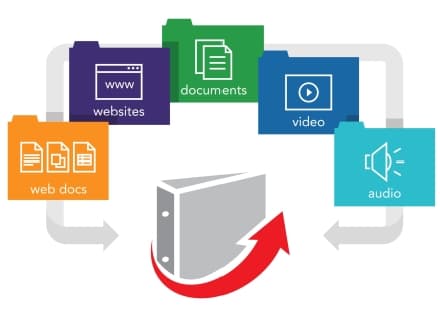
How Online Binders Work
- Sign up for a free account and get started on your first online binder
- Upload a file, embed a web page or application link and add instructions for each tab
- Share your online binder URL through e-mail or embed it on your website or LMS
Start A Free Binder Today!
See How Online Binders Work
Example Digital Binders And Their Most Powerful Content

 UPDATED
Thriving Schools- SBCSS

AR Teaching, Learning & Assessment System (ATLAS)

Health Clerk Binder

TJC Admissions and Onward Career Planning Resources

MEDZED COVID-19 Resource Guide

FAQ Handbook

NURSING FACULTY HANDBOOK

SSHS CTE Policies & Procedures Manual
Northwest: NC KEA Formative Assessment Resources